Tools

AI資料作成
AIプレゼンテーション
BEST
AI文章作成·作文
AI ポスター
AIかんたん作成
AI画像生成
AI動画生成
HOT
AI キャラメーカー
AI アイコン作成ツール
AI アイコンメーカー
AIイラスト生成
AI ロゴメーカー
AI フリー背景素材
AIクイック編集
AI画像編集
背景除去
高画質化
写真イラスト化
HOT
New!

イラスト一覧を見る
幅広いシーンで使える高品質イラストをご用意しています。
Plans


Explore six Christmas card ideas, from family photos and classic ribbon designs to cheerful Santa cards and thoughtful thank-yous, with templates to personalize.
Your favorite photo from the year deserves more than a spot in your camera roll. So does the thank-you you have been meaning to send.
A Christmas card gives both a place to go. Whether you are sharing a family moment, making a friend smile, or thanking a longtime customer, start with a design that fits your relationship.
These six Christmas card ideas offer different ways to make that connection, from a personal photo card to a simple seasonal thank-you. Choose a style you like, then add the words that make it yours.
A posed family portrait is one option, but a small moment can feel just as personal: baking together, opening presents, or spending a quiet afternoon at home.
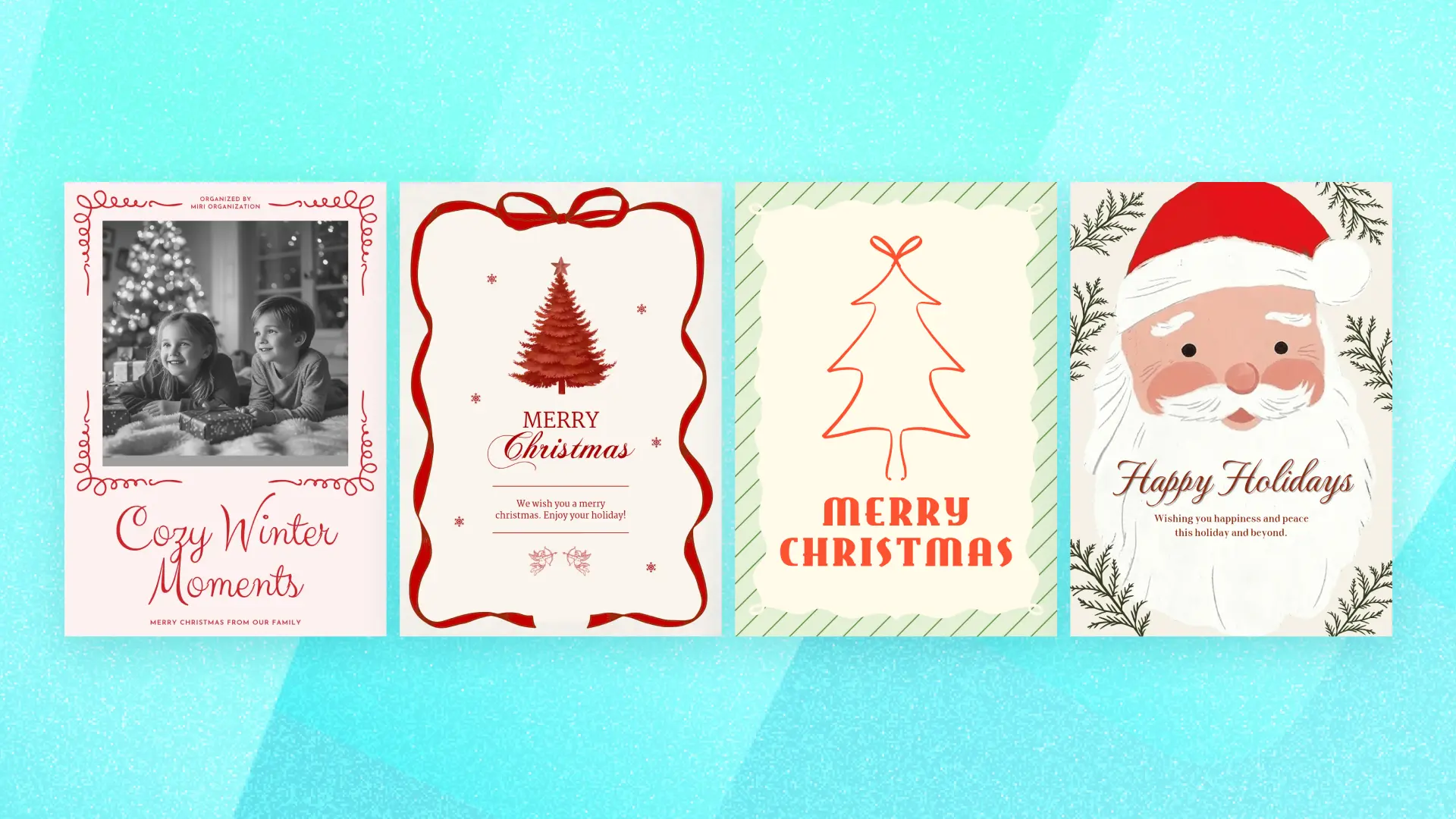
This design pairs a rectangular black-and-white photo with a pale pink background, a decorative red border, and the words “Cozy Winter Moments.” The photo and message have separate spaces, so neither needs to compete for attention.
Use it to share a favorite memory with relatives or friends you do not see often. A black-and-white photo echoes the original look, while a color photo can also work if its tones sit comfortably with the pink and red design.
Make it yours: Replace the sample photo and change “Cozy Winter Moments” to “Merry Christmas from Our Family.” Adjust the line breaks to fit, then add your names in the smaller text area.
For a traditional Christmas greeting, this design brings together a red tree, a ribbon bow, and “Merry Christmas” on a cream background.
The wavy ribbon border gives it a gift-like finish without filling the center with extra decorations. It is a good choice for relatives or friends who enjoy familiar Christmas imagery and a warm message.
Keep the smaller greeting beneath the tree brief. A personal wish and your names will fit the layout more naturally than a long family update.
Make it yours: Replace the sample message with “Wishing you a cozy Christmas and a wonderful new year. Love, the Parkers.” If you have more news to share, include a separate note.

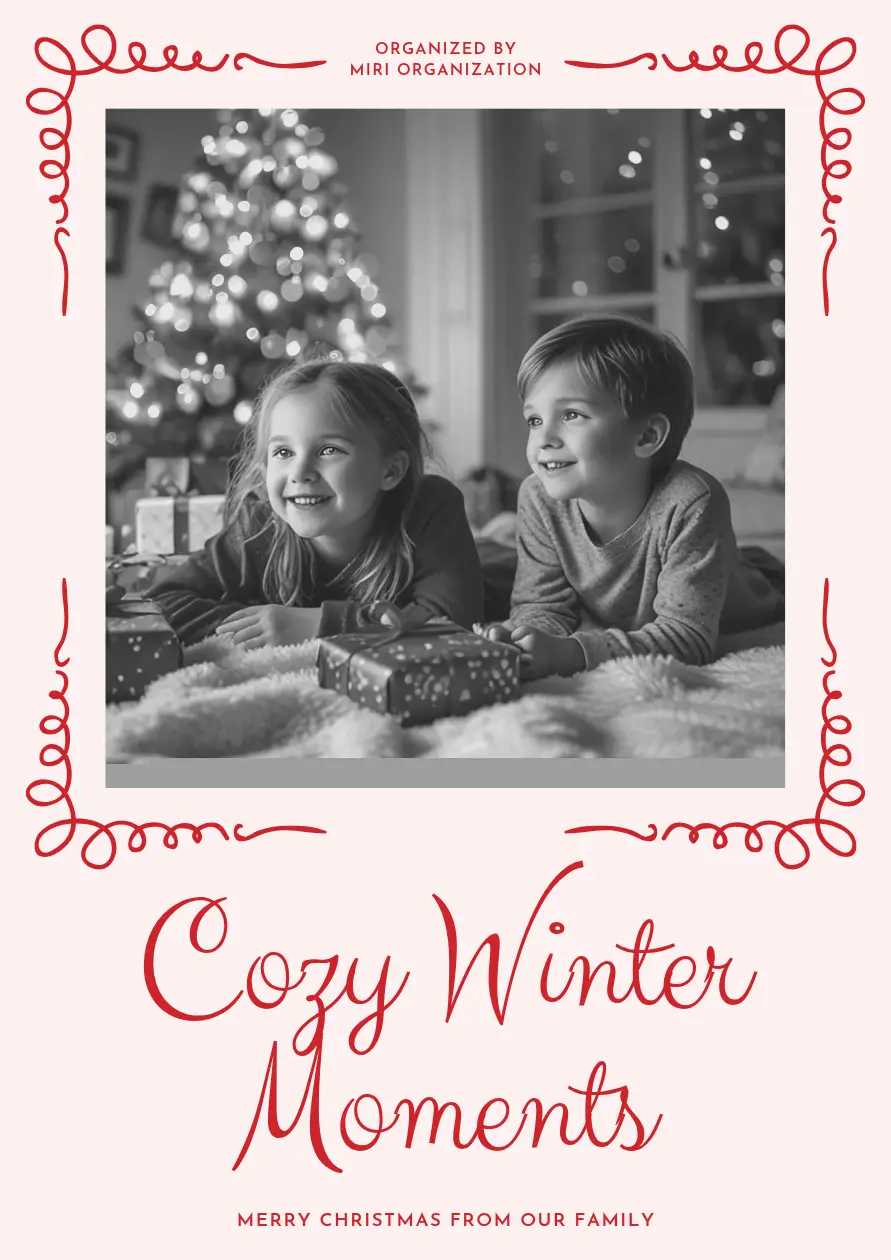
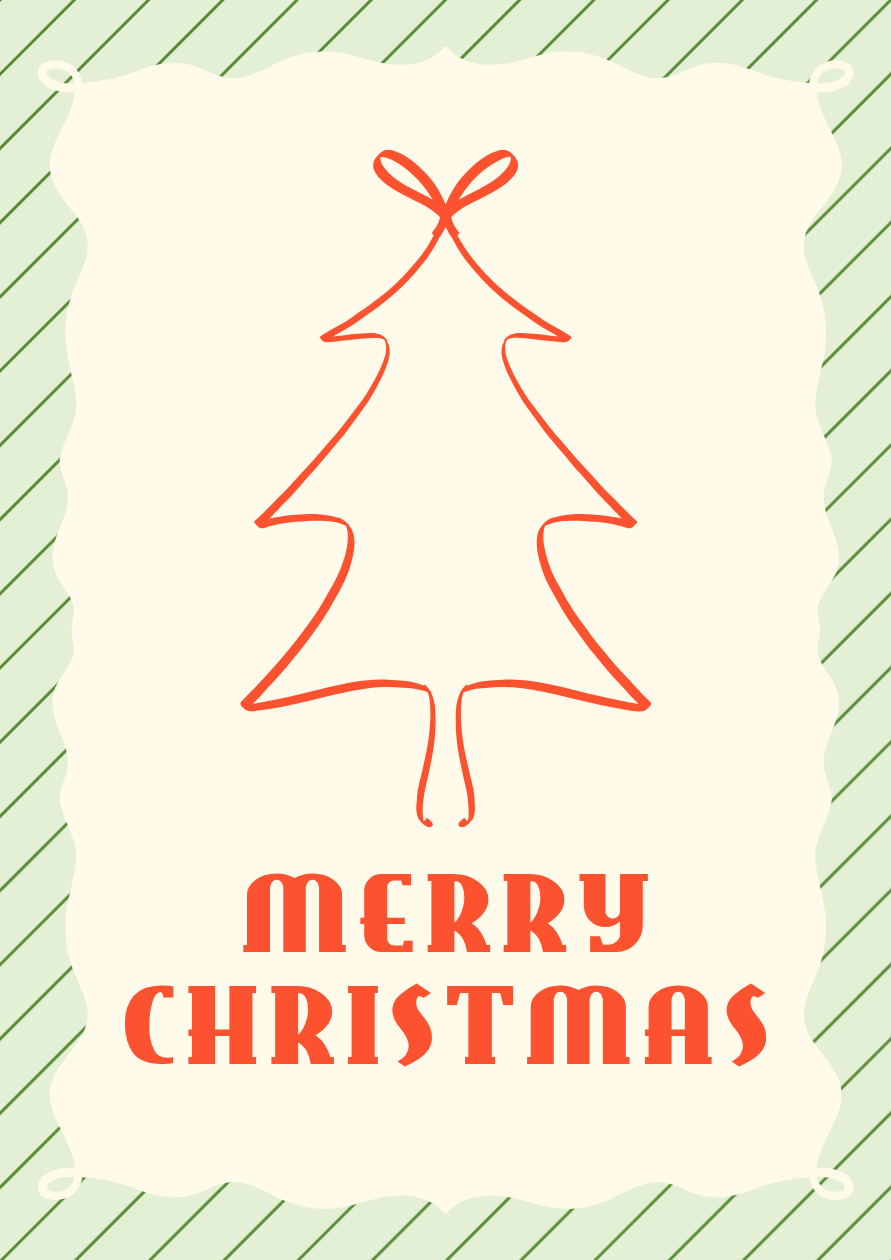
If you like festive color but prefer fewer decorations, this card keeps the idea simple: one tree, one greeting, and a striped border.
A red-orange line forms the Christmas tree and the bow above it. Below, chunky “Merry Christmas” lettering contrasts with the delicate drawing, while pale green diagonal stripes frame the design.
The mix of bold type and simple line art gives it a playful, retro feel. Choose it for friends or family who would appreciate a graphic design rather than a photo or a detailed illustration.
Make it yours: Keep the main greeting and add a small sign-off beneath it, adjusting the spacing if needed. Use a plain font for your names so they do not compete with the decorative lettering.
For a greeting that feels friendly and playful, let Santa be the main attraction.
This design features a large Santa face surrounded by evergreen sprigs, with “Happy Holidays” across his white beard. The illustration gives the card its personality, so there is no need to add another character or a photo.
It works for family, friends, or a greeting sent from a child. The original wording is a broader holiday message; keep it if that suits your recipient, or change it to “Merry Christmas.”
Make it yours: Replace the smaller message with “Sending a little Christmas cheer your way. Love, Alex.” For a card from a child, a simple “Merry Christmas, Grandma! Love, Sophie” makes the recipient clear.

A Christmas card can feel seasonal without using a dark red or green background. This design takes a softer approach with pale pink, red script lettering, and botanical decorations at the top and bottom.
The greenery adds a festive frame while leaving the center focused on “Merry Christmas.” Choose it for a friend, a sibling, or someone who enjoys a gentler color palette.
Because the main greeting is decorative, keep any added wording simple. A short sign-off will preserve the open layout more effectively than a paragraph of small text.
Make it yours: Add “With love, Olivia” or “So glad we got to share this year.” Set the extra line in an easy-to-read font and leave some space around the script greeting.

A business holiday card gives you a chance to recognize the people behind your year: customers who returned, partners who collaborated with you, or employees who supported the team.
This design leads with “Grateful for the Moments We Shared” in green and gold serif lettering. A small bell and evergreen accents add a seasonal touch, while the light background keeps the words in focus.
The original headline is about gratitude rather than an explicit Christmas greeting. You can keep it for colleagues or familiar clients, or make it more specific to a business relationship with “Thank You for a Wonderful Year.”
Make it yours: Replace the smaller message with a thank-you that fits your audience. For customers, try “Thank you for supporting our small business this year. Warm wishes from everyone at [Business Name].” For partners, mention their collaboration instead.

Planning a holiday sale or an in-store event, too? Explore our Christmas poster and flyer ideas for designs that help you share the details.
Mention something you shared. A visit, a family milestone, or a thank-you for someone’s support can turn a familiar greeting into a message meant for that person. One specific sentence is enough.
Choose a greeting that fits your recipient. Use “Merry Christmas” when that is the holiday you share. “Happy Holidays,” “Season’s Greetings,” or a year-end thank-you can suit a broader seasonal message.
Keep your names easy to find. Replace sample names and other placeholder text. For a family card, use first names or a family name; for a business card, include the company or team name.
Balance decorative and simple lettering. Script and display fonts can work well for a short headline. Use a simpler font for a longer message or a small sign-off, and check it at the size people will actually see.
Preview the finished format. For printing, confirm the dimensions, margins, and envelope fit. For digital sharing, view the card on your phone to check that the photo and smaller wording remain clear.
Planning designs for other seasonal occasions? Our Halloween poster ideas offer inspiration for school events, neighborhood gatherings, and shop promotions.
Open your selected template in MiriCanvas and replace the sample wording with your greeting and names. If you choose the photo card, add your own picture and check that the crop keeps the people you want to show in view.
Adjust the text size, line breaks, or colors where needed. Before downloading, look for leftover sample text and confirm that the design works at your intended print size or on the screen where you plan to share it.
MiriCanvas offers both free and premium templates. Check the selected template’s availability before you begin if you are looking for a free option.
Start with a greeting, add one personal wish or thank-you, and sign your name. For example: “Merry Christmas, Jamie! So glad we got to spend more time together this year. Love, Morgan.”
For clients or partners, focus on appreciation and include your business name.
Yes. A vacation picture, a portrait at home, or a favorite candid moment can work. Choose a photo that fits the frame and keeps faces clear. The card’s colors and greeting can provide the seasonal details.
A common option is 5 × 7 inches, but the right size depends on your envelope and printing plans. Check the template’s starting dimensions and review the layout if you change them. A portrait design is not automatically a 5 × 7-inch print file.
You can print a finished design at home if the downloaded file has sufficient quality for your chosen size and your printer supports the paper you plan to use. Print one test copy to check the colors, margins, and smaller text before making a full batch.
Yes. Download the finished card as an image and send it by email or message. Preview it on your phone first to check the photo crop and text size.
Pick a free template, add your photo and message, and your Christmas card is ready to print or send in minutes.
Browse templates